Best Calendar Sync Tools for Airbnb, Vrbo and Booking.com

Two guests arrive on the same Friday afternoon. One booked on Airbnb six weeks ago and paid a deposit; the other booked on Vrbo last night because your listing still showed those nights as free. Now you are choosing who to disappoint, refunding one of them, and dealing with two bad reviews instead of one good check-in.
Double bookings rarely come from a broken tool. They come from a calendar that was never truly connected: an Airbnb calendar that was never imported into Vrbo, a Booking.com block nobody added by hand, or an iCal link that quietly stopped refreshing weeks ago and told no one.
This is a decision guide rather than an explanation of what a channel manager is. It separates free iCal import/export sync from paid two-way sync, matches each option to your number of listings and platforms, and ends with a test you can run before you trust any tool with live bookings.
What calendar sync actually means across the three platforms
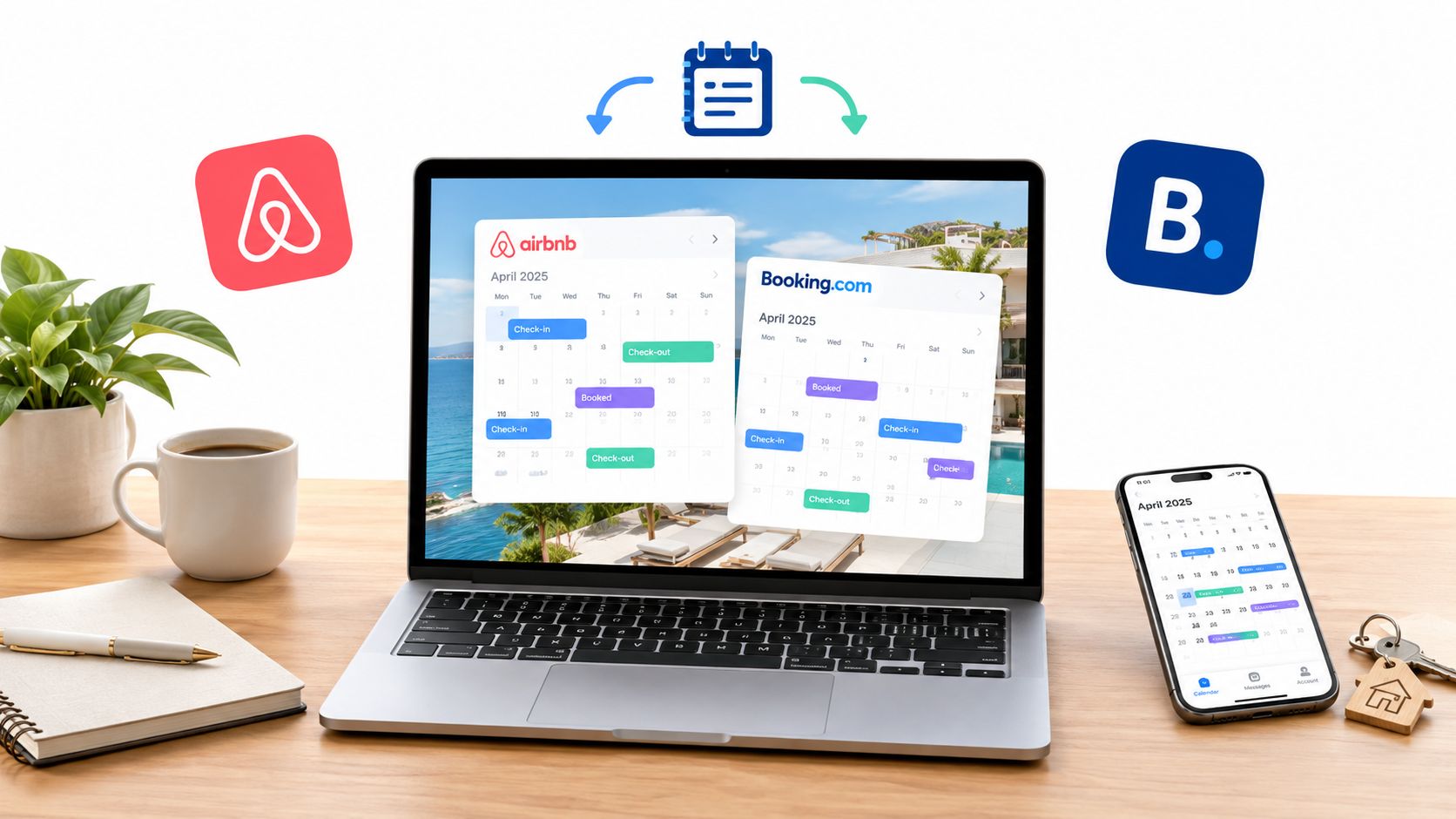
Airbnb, Vrbo and Booking.com all support iCal, a plain calendar file format. Every listing can export an .ics link containing its booked and blocked nights, and every listing can import .ics links from the other platforms. When a guest books on Airbnb, that export link changes, and any listing importing it eventually becomes unavailable for those nights.
The word to notice is eventually. iCal sync is not a live connection; each platform re-reads the imported file on its own schedule, which you cannot control or speed up. A booking made at 9pm on one platform may not appear on the other until hours later, and during that window the nights are still bookable.
A paid two-way tool works differently. Instead of swapping calendar files, it connects directly to each platform through the platform's own connection, pushes availability and usually returns reservation details and rates. Updates land in minutes rather than hours, and you get a single screen showing every unit. If you want the mechanics in more depth before comparing options, start with how calendar sync prevents double bookings and come back to the tool choice.
Free iCal sync versus a two-way channel manager
These are not two versions of the same product. They solve the same problem at different levels of reliability and cost, and the right answer depends on how much a double booking would cost you.
| What you are comparing | Free iCal import/export | Two-way channel manager |
|---|---|---|
| How it connects | Calendar file links exchanged between listings | Direct connection to each platform's booking system |
| Update speed | Whatever interval each platform uses; hours, not minutes | Typically within minutes of a booking |
| Rates and restrictions | Not synced; you edit prices and minimum stays platform by platform | Often synced, sometimes with rules per unit and per season |
| Reservation details | Blocked nights only, no guest name, no payout, no message thread | Guest name, dates, value and often the booking reference |
| Manually blocked dates | Depends on the platform; not every block is exported or honoured | Usually handled in one place and pushed everywhere |
| Cost model | No per-listing fee; you pay in setup time and in the risk you carry | A subscription per connected unit, every month |
| Best fit | One or two listings, two platforms, low season lengths | Three or more listings, or any host who cannot absorb a double booking |
What free iCal does well
For a single apartment listed on Airbnb and Vrbo, iCal is genuinely enough. Setup takes minutes per listing, there is nothing to pay, and the sync keeps working as long as nobody edits the links. It also works with your own availability when you host guests informally or block dates for family.
It is the honest starting point for a first-time host testing a second platform. You learn how the calendars behave before you commit to a monthly cost.
Where iCal quietly fails
The failure modes are predictable, which is what makes them dangerous. They do not announce themselves; they show up as an overlap three weeks later.
Sync delay windows. Every hour between a booking and the import is an hour when another guest can take the same nights.
Manual blocks. Maintenance, owner stays and cleaner days do not always export, and are not always respected when imported.
Same-day turnovers. A checkout on the same day as another check-in is the most common place for date arithmetic to go wrong.
Cancellations. When a booking is cancelled, some setups release the nights and others leave them blocked, leaving you with orphaned dates nobody can book.
No rates. You still keep three price calendars in step by hand, and seasonal changes multiply that work.
Broken links. Recreate a listing, change its nickname or edit the calendar settings, and the old iCal URL can stop updating without an error message.
If any of those describe your last few months, you are paying for the free option with your own evenings. It is worth understanding what a channel manager does and when it stops being worth the fee before deciding it is too expensive for your size.
Which option fits your listing count and platforms
One or two listings on two platforms
Stay with iCal, but treat it as a system rather than a one-off setup. Keep one master rental availability calendar that you check daily, import in both directions, and pin a note in your phone reminding you to verify the links every few months. Accept that you cannot eliminate the delay window entirely.
Three to five listings, or three platforms
This is the point where a paid two-way tool usually pays for itself. The cost of one double booking — refund, rehousing a guest, a cancellation review on a platform that tracks your reliability — is typically larger than several months of subscription for a small portfolio. At this size you also stop being able to hold three calendars in your head, and a single dashboard becomes the difference between working an hour a day on admin and an hour a week.
Choose the tool by the platforms it connects to natively, not by the length of its feature list. A tool with a perfect mobile app and no direct Booking.com connection still leaves you importing iCal for your most volatile channel. If you are comparing wider suites rather than sync alone, this overview of short term rental software for small hosts shows what else tends to be bundled in.
Six or more listings, or a small management portfolio
At this scale the decision is usually made for you: manual iCal maintenance stops scaling, guest communication volume grows, and owners expect reports. Buy on reliability, support responsiveness and the ability to handle multi-unit buildings where two units in the same block must never be double booked. Ask what happens to your calendars if you leave the tool, because switching costs are real and worth knowing about before you migrate.
Worth remembering: every platform you add multiplies the sync problem by one link in the chain. A direct booking site removes one of those links, because bookings made there are written straight into your own calendar. That is the logic behind tools such as Rentabble, which builds owner-run booking websites so fewer bookings depend on someone else's calendar staying in step.
A pre-purchase test before you trust a tool with live bookings
Demos show clean calendars. Your real calendar is not clean, so test the tool on a low-season week in your own listings before you go live. Set aside an afternoon and work through this in order.
Connect one listing to all three platforms. Note whether the tool imported your existing future bookings or only new ones. Missing already-confirmed stays is the first sign of a shallow integration.
Make a test booking on platform A. Time how long it takes to reflect on platforms B and C. Repeat twice; you want a consistent pattern, not a lucky one.
Cancel that booking. Check whether the nights are released everywhere, or only where the cancellation happened. Orphaned blocked dates are the most expensive kind of failure because the calendar looks busy while you are losing money.
Create a manual block. Block three nights for maintenance and see whether the other platforms block them too, or whether a guest can still book over them.
Change the dates of a reservation. Shorten it by one night and confirm the freed night becomes bookable everywhere at once.
Test a same-day turnover. Book a checkout and a check-in on the same date in different listings and confirm no gap or overlap appears.
Check what you actually receive. Open a test reservation and see whether guest name, dates and value appear, or only a blocked square.
Break a connection on purpose. Disconnect one platform, wait, then see whether the tool warns you. Silent failure is the risk you are buying insurance against.
Ask about historic data. Confirm how far back it imports past bookings, and how far forward it will push a pricing change.
Message support with a real question during business hours and note the response. You will need them on a Saturday in July, not in a sales demo.
Write down the results. A tool that passes seven of ten tests may still be right for one listing and wrong for five, and the numbers make that decision obvious.
Mistakes that cause double bookings even with a tool in place
Running two sync tools at once. Two systems pushing dates to the same listing will fight each other, and neither result is trustworthy.
Trusting one-way imports. If a platform imports but never exports, your other channels are blind to its bookings.
Forgetting the direct channel. Bookings taken by email or phone never reach the sync unless someone enters them.
Editing the calendar on the platform instead of the tool. Changes made at the edge are often overwritten by the next push.
Assuming a block is a booking. A blocked night and a reserved night can behave differently on import, so verify both.
Not checking after a listing change. New photos, a renamed listing or a changed room setup can invalidate a connection without an alert.
The decision in short
One or two listings on two platforms: free iCal import and export, set up properly and checked daily, is a reasonable choice. Three or more listings, or any portfolio where a double booking means refunding a guest and risking your platform ranking, buy the two-way sync and stop doing calendar admin by hand.
Whichever you choose, the tool is not the safety net. The test you ran before buying is, and so is the habit of glancing at a single master calendar once a day. Sync tools reduce the risk of overlap; they do not remove the need for a human who notices when something looks wrong.