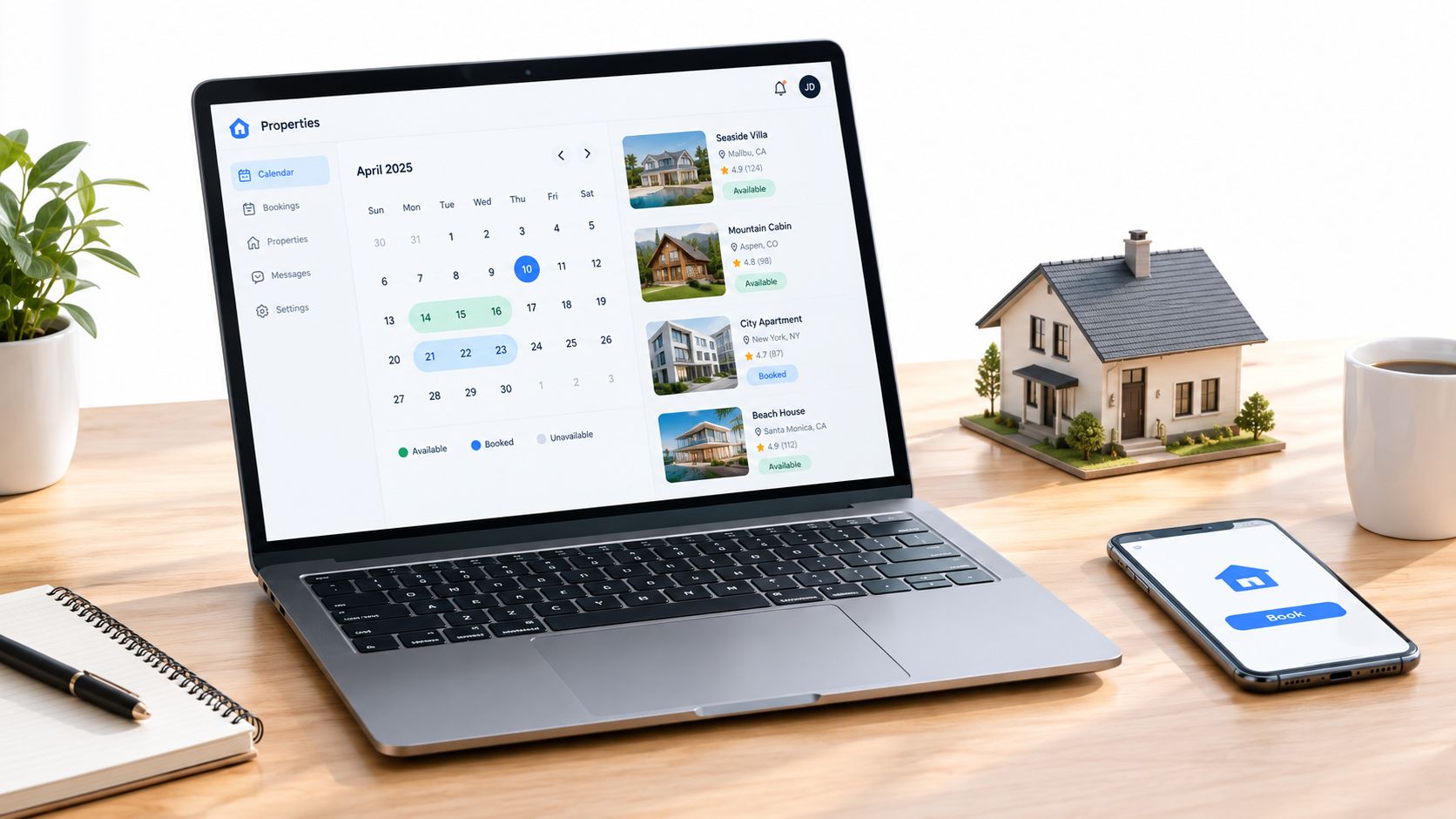
Rental Availability Calendar: A Practical Guide for Hosts
You're standing there with two confirmation emails open, one from Airbnb and one from Booking.com, and both are saying the same dates are available. The guest on the phone wants to know whether they can check in tonight, the cleaner is already on the way, and your calendar looks “connected,” which is exactly how these problems hide until they blow up. A rental availability calendar is supposed to prevent that mess, but in practice it only works if you treat it like a reliability system, not a decorative date grid.
Most hosts don't lose money because they forgot to build a calendar. They lose money because they trusted a sync process that was never instant, never perfect, and never designed to absorb every timing gap across every channel. That's why the question isn't whether the calendar exists, it's whether it can tolerate delay, manual overrides, and bad feed behavior without letting two guests claim the same night.
Table of Contents
- The Double-Booking Moment Every Host Dreads
- What a Rental Availability Calendar Really Does
- How Two-Way iCal Sync Works Across Channels
- Why Connected Calendars Are Not the Same as Synchronized Calendars
- Using Manual Blocks as a Safety Net
- iCal Sync Compared to API and Direct Integrations
- Diagnosing Stale Feeds and Broken Sync Relationships
- Daily Habits That Keep Your Calendar Trustworthy
The Double-Booking Moment Every Host Dreads
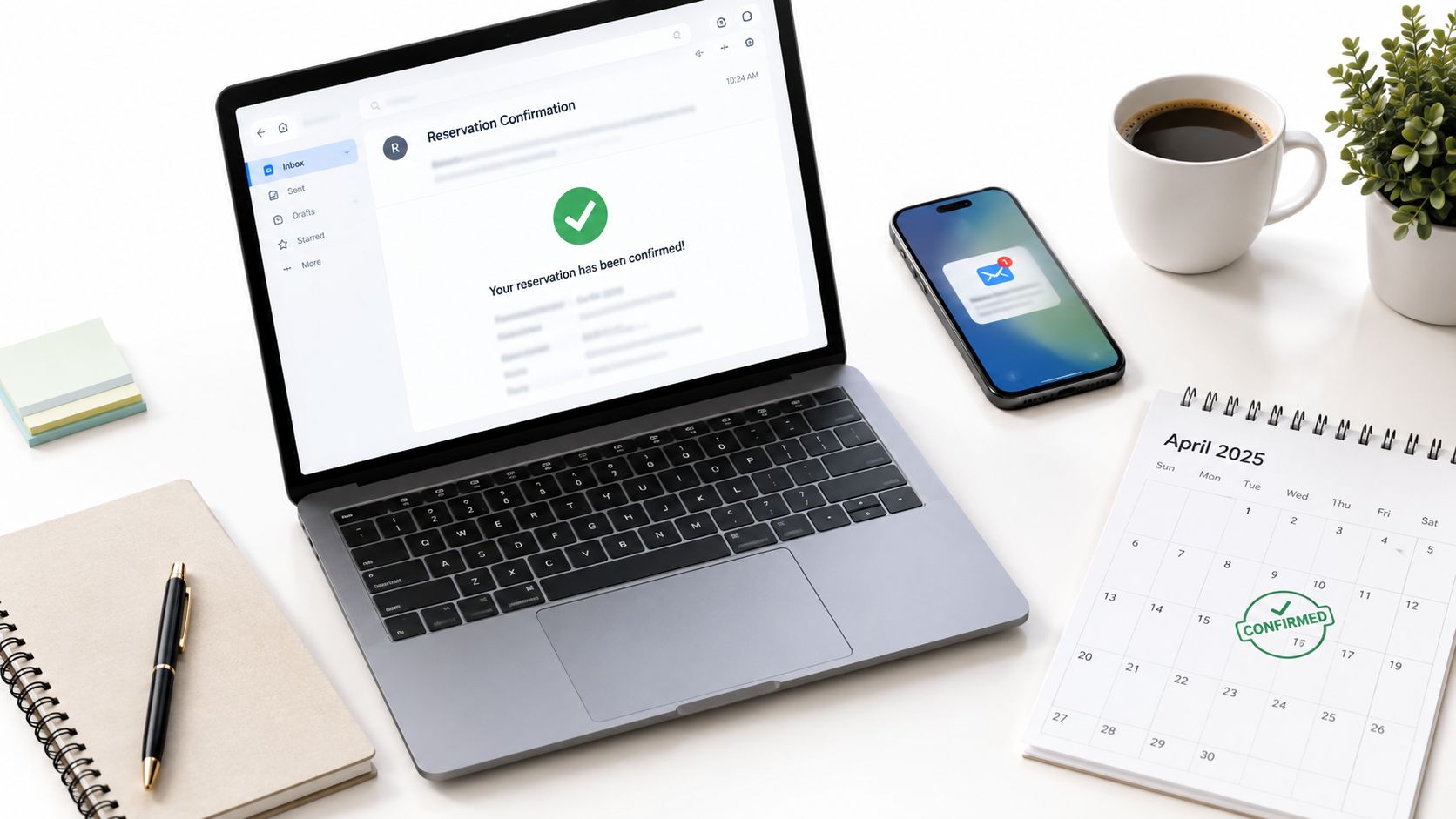
The worst version of this problem is brutally ordinary. You confirm a last-minute booking on Booking.com, then open Airbnb and realize another guest already grabbed the same Friday night. Both guests are now “right,” both channels look valid, and you're the one who has to unwind it.
At that point, the calendar problem stops being technical. You're sending two sets of arrival instructions, apologizing to one guest, and deciding whether to refund, relocate, or eat the cost of a lost night. Even if you fix the immediate mess, the trust damage lingers, especially with repeat guests who remember the confusion more than the apology.
Practical rule: the real failure isn't a missed sync update, it's any workflow that lets a stale date stay bookable long enough for someone else to take it.
That's why the best operators stop thinking about the rental availability calendar as a display layer. It's a control point, the last line between a request and a confirmed stay. If you want a broader picture of how calendar integrity affects search visibility and booking performance, the operational side of vacation rental SEO matters too, because a broken calendar undermines the traffic you worked to earn.
I've seen experienced hosts get caught during busy weeks because they assumed a connected channel meant a protected night. It doesn't. The calendar has to behave like a reliability layer that survives human error, feed lag, and overlapping demand.
What a Rental Availability Calendar Really Does
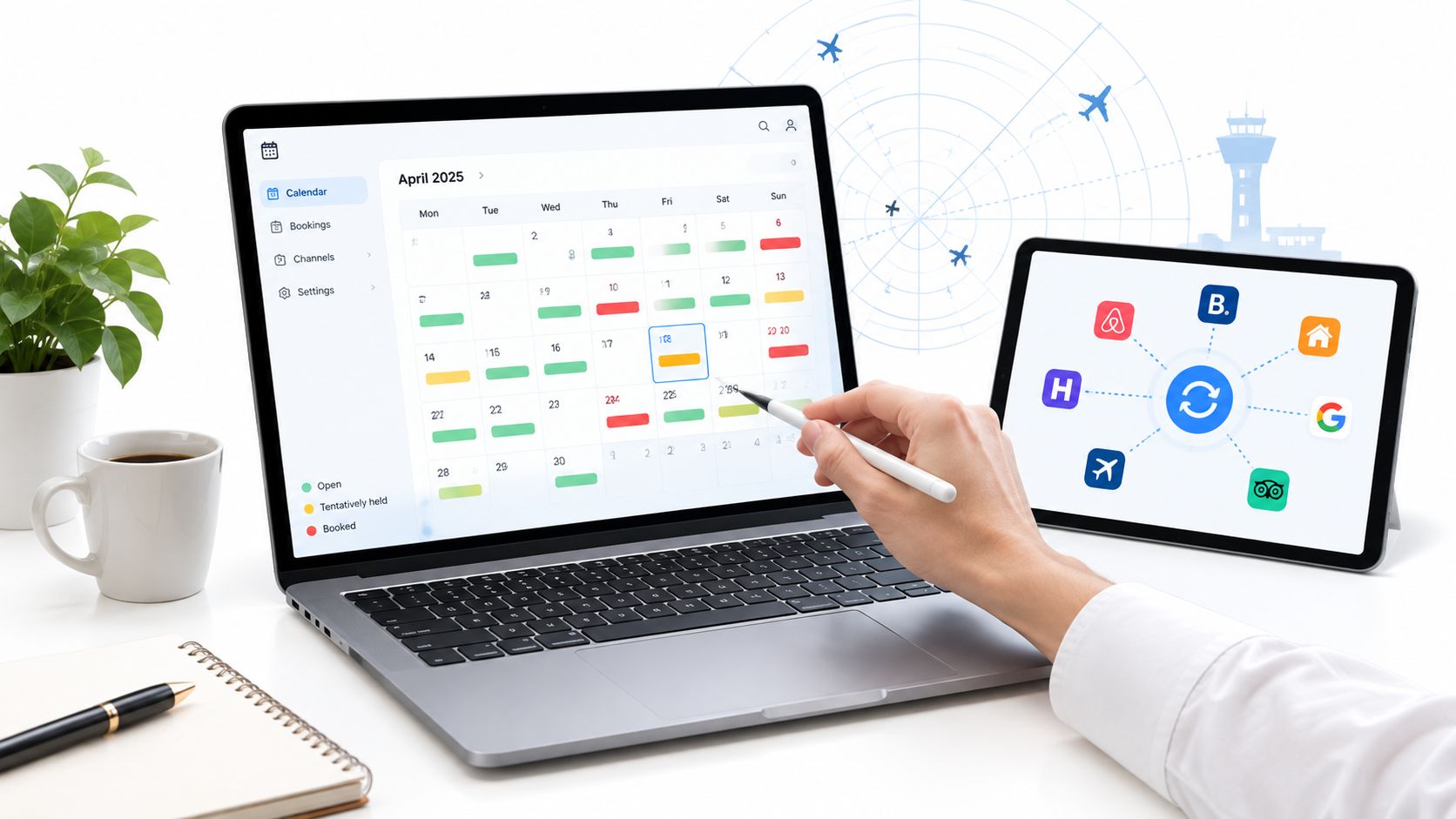
A rental availability calendar is the single decision point that decides whether a night can still be sold. Think of it less like a month view and more like an air traffic control screen, where every date needs a clear status before another booking can land.
One source, many readers
Each date on that calendar can be open, tentatively held, booked, or blocked. In a simple single-source setup, one system owns those decisions and every booking request passes through it first. In a multi-channel setup, the same property is being read by Airbnb, Vrbo, Booking.com, and maybe a direct site at the same time, which means the calendar has to stay coherent across several readers.
That's where confusion starts. A host might assume all channels are looking at the same truth at the same moment, but in reality each platform reads and writes on its own schedule. If one source disagrees, you need a rule for which one wins, or you're just hoping the conflict resolves itself.
Guest view, host view, and channel control
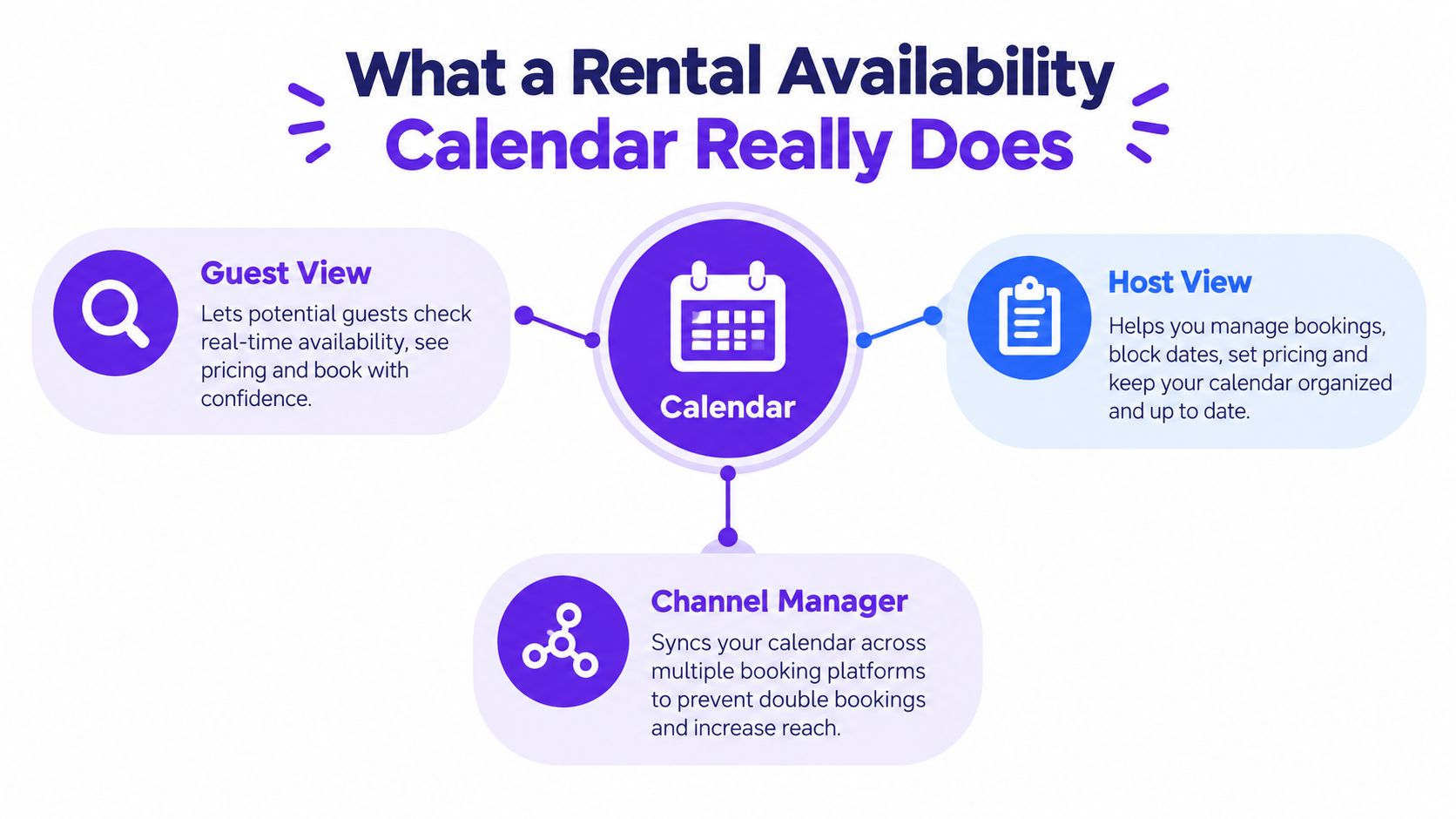
The guest sees availability as a promise. The host sees it as inventory. The channel manager sees it as a data problem that has to stay aligned across systems.
That distinction matters because the guest-facing version is only the last mile. Behind it, the host needs a calendar that can absorb blocks, overlaps, and rule changes without turning every new inquiry into a manual rescue operation. A solid online rental management system usually makes that source-of-truth question more obvious, because the calendar sits inside the broader booking workflow instead of living as a disconnected widget.
How Two-Way iCal Sync Works Across Channels
Two-way iCal sync is not a live wire between platforms. It's a repeating exchange, where each system exports a feed, the other system imports that feed on its own schedule, and then writes the updated blocks back into its own calendar.
What actually moves through the feed
A typical iCal feed carries the basics, such as the start date, end date, and a summary line. In some cases, it may include a guest name or a channel tag, but it does not carry the richer data operators often assume is moving with it. Pricing, minimum-stay rules, guest notes, and listing content do not travel through the feed, which is why “synced” can still mean materially incomplete.
That limited payload keeps iCal lightweight, but it also explains the lag. Industry guidance notes that imported feeds are usually polled on intervals ranging from about 15 minutes to several hours Hostaway's iCal glossary, and other guidance says iCal-based updates often run every 1 to 6 hours, sometimes up to 12 hours AirROI's iCal sync glossary. In plain operator terms, a booking made at 2:00 p.m. on one channel may not show up on the other channel until much later.
The loop is the product
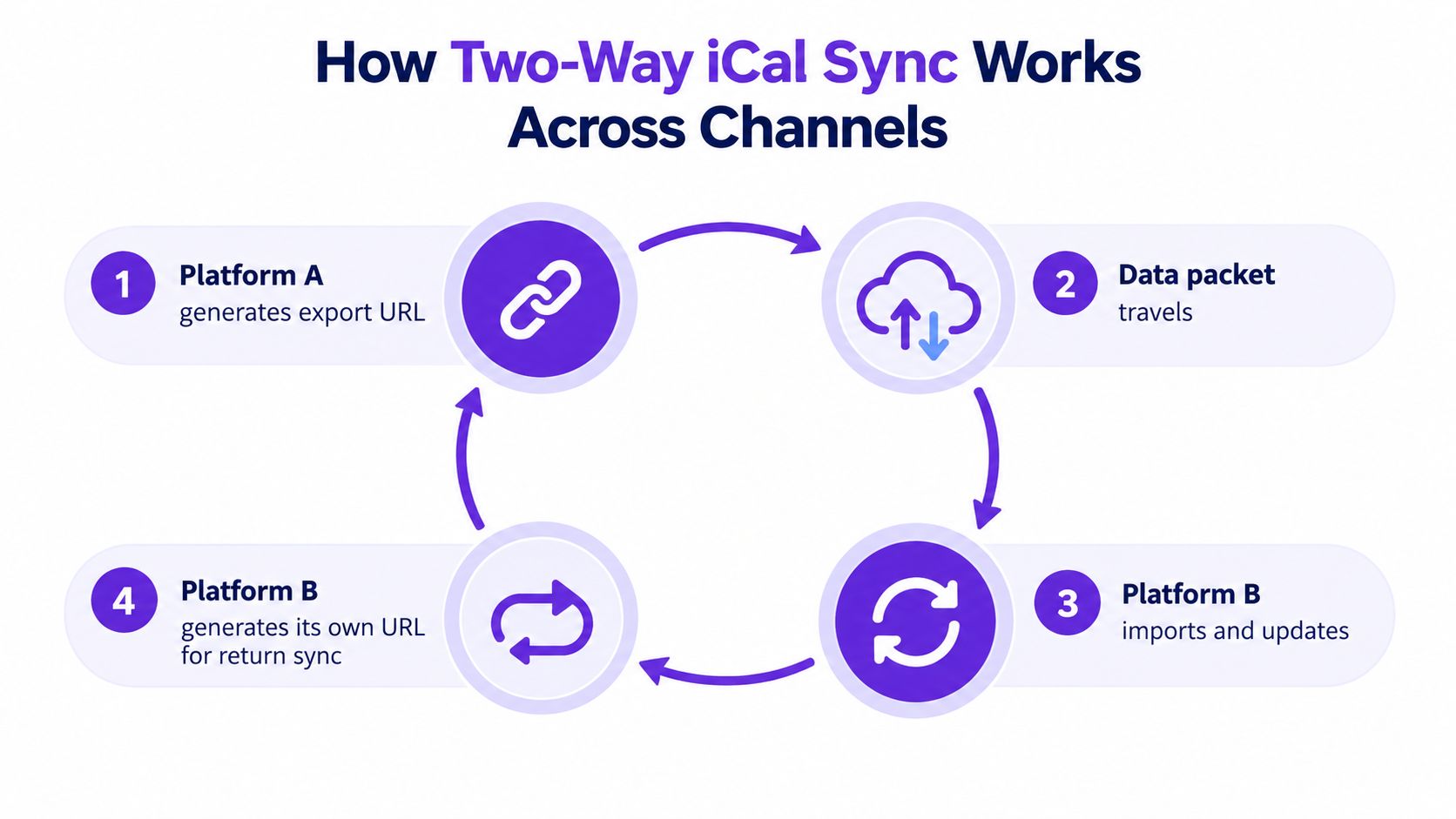
This is why iCal works well enough for basic date blocking and still fails as a promise of instant coordination. It moves availability snapshots, not live state. If your operations depend on second-by-second accuracy, the feed is doing less than you think.
Why Connected Calendars Are Not the Same as Synchronized Calendars
A calendar can be connected and still fail in practice. Connection only means a feed URL exists and the platforms can read it. Synchronization means a booking or block reaches every other channel soon enough that another guest cannot grab the same night first.
The lag window is where double bookings happen
A booking confirmed on one channel at 9:47 a.m. can leave another channel showing availability for a while. During that lag window, the second guest sees open dates and has no reason to think the calendar is stale. That is where double bookings happen, especially on high-demand weekends or during same-day turnover, when reservations move faster than feed refreshes.
The acceptable delay depends on the property. A low-volume cottage with longer lead times can survive more lag than a city apartment that turns over often. Los Angeles shows the scale problem clearly, because AirDNA reports 18,453 available listings in Los Angeles in July 2026, and 53% of them were available 271 to 365 nights per year AirDNA Los Angeles overview. At that level of competition, calendar reliability affects whether a booking holds.
Connected can still mean stale
A linked calendar feels safe, but it is only as reliable as the refresh behind it. If a platform updates late, or only when prompted, the connection exists while the protection does not.
The goal is not perfect instant sync. The goal is a workflow that keeps working when updates arrive late, without turning those delays into double bookings.
That matters in a market where more listings mean more overlap risk and more timing conflicts. The United States reached 1.73 million available short-term rental listings in November 2025, up 4.7% year over year AirDNA U.S. overview. More inventory leaves less room for sloppy calendar habits, and it puts a bigger premium on workflows that tolerate sync lag instead of assuming every channel updates at once.
Using Manual Blocks as a Safety Net
Manual blocks are the simplest way to keep a calendar honest when sync is slow or you don't fully trust a channel. They're not a workaround. They're a control layer.
Three blocks that save operators real headaches
Buffer nights are the easiest example. If your Saturday checkout turns into a same-day cleaning race, a one-night buffer gives the cleaner breathing room and protects the next check-in from landing too early. Maintenance blocks are different, because they hold a property for repairs, inspections, or post-work checks, and those holds should be entered before anyone can sell the dates.
Owner stays are the third common block type. If you use the property yourself during a specific window, the block has to be obvious and deliberate, not buried in a note someone else might miss.
Hard blocks and soft blocks aren't the same
A hard block stops bookings completely. A soft block signals unavailability but can sometimes be overridden by a host or manager with access. If your team is small, hard blocks are safer for anything that must not be sold.
A few practical examples make the point clearer:
- Buffer nights: one night blocked around every Saturday checkout during peak season.
- Maintenance holds: a three-night block after a roof repair or plumbing fix.
- Personal holds: a recurring Friday-through-Sunday block every August when you're using the unit yourself.
Manual blocks only work if you enter them where they matter. Sync doesn't always push a block retroactively across every channel in the same way, so relying on one source can leave a gap elsewhere. Overblocking does cost revenue, but underblocking costs trust, and trust is much harder to rebuild.
iCal Sync Compared to API and Direct Integrations
iCal, API, and direct integrations all move availability between systems, but they do it with very different reliability profiles. The right choice depends on how much lag you can tolerate, how many channels you manage, and how much complexity you're willing to maintain.
Trade-offs that matter in real operations
| Feature | iCal Sync | API Integration | Direct Integration (Channel Manager) |
|---|---|---|---|
| Update speed | Polling-based, often delayed | Near real time | Usually built on API connections with centralized control |
| Data depth | Basic availability, limited metadata | Broader authenticated data exchange | Centralized availability, often with conflict handling |
| Setup complexity | Low | Higher | Higher still |
| Ongoing maintenance | Feed health and refresh checks | API changes and platform support | Vendor and integration upkeep |
| Best fit | Low-volume or lower-risk channels | High-risk channels that need faster updates | Operators who need a unified control layer |
Why hosts still choose iCal
Hosts still use iCal because it's universal, cheap, and familiar. It doesn't lock you into one vendor, and it's easy to wire up across major channels. That makes sense when the property volume is modest or the booking pace is slow enough to survive delay.
Where iCal gets weaker is at the edges, especially when bookings arrive fast or when a calendar has to support more than one high-risk channel. API-backed connections reduce the lag window, and a direct integration through a channel manager can add a single dashboard for conflict handling. Rentabble uses two-way iCal import and export for availability sync, which is the sort of setup many small operators start with before deciding whether they need something more centralized Rentabble channel manager overview.
The practical answer is tiering. Use the simplest reliable method where the risk is low, and reserve faster integrations for the listings that can't afford stale dates.
Diagnosing Stale Feeds and Broken Sync Relationships
When a calendar looks right in one place and stale in another, the problem is usually feed quality or maintenance, not the existence of the connection. The trick is to check the right failure mode first instead of blindly reconnecting everything.
Start with the timestamp, then test the source
The first thing I look for is the channel's last sync timestamp. If that timestamp is old, the issue is probably at the edge of the import relationship, not inside the booking engine itself. After that, I open the source calendar and look for a block that should have propagated already, especially one older than two days that still hasn't moved through.
Then I test the feed URL directly in a browser. If the browser returns valid ICS data, the feed exists. If it returns nothing useful, or the content looks malformed, the connection may be present but the data is effectively dead.
Common reasons feeds fail quietly
Expired URLs, revoked channel permissions, duplicate listings that split feed history, and software updates that change export addresses can all break sync without making the problem obvious. Hosted calendars can also fail when TLS certificates renew incorrectly, which can stop a pull even if the calendar page still seems fine to humans.
A feed that returns valid but empty data is especially dangerous, because it looks healthy at a glance while carrying nothing useful. That's worse than a clear error in many cases, because you may keep trusting a broken link longer than you should.
A simple log helps here:
- Write down every feed URL.
- Record the last date each one was verified.
- Recheck after software updates or channel changes.
- Re-import feeds when the relationship looks stale.
- Watch for cache issues if the data seems correct but the view doesn't update.
The point is to treat feed health like any other operational asset. If you only discover the problem after a double booking, the calendar already failed its job.
Daily Habits That Keep Your Calendar Trustworthy
Calendar integrity comes from routine, not luck. A good setup can still drift if nobody is checking the feeds, the blocks, and the edge cases that don't show up in a clean demo.
A simple operating rhythm
Every morning, check each connected channel for new reservations and confirm that the blocks landed where they should. Scan for pending or unconfirmed bookings that could still shift, because those are the ones most likely to create a surprise overlap later.
Once a week, review buffer nights, seasonal pricing windows, and maintenance holds together. That's the point where hosts often find the quiet mistakes, a forgotten block, a rule change that didn't get re-exported, or a stay length update that didn't reach every channel cleanly.
Make the reason visible
Tag every manual block with a short internal note. If your future self or a co-host opens the calendar, they should know whether a block exists for cleaning, repairs, guest handling, or personal use. That habit cuts down on accidental deletions and stops people from “fixing” a block that was there for a good reason.
Re-export iCal feeds after any change to pricing rules or minimum-stay rules, because some channels treat rule changes as a trigger event and others don't. Don't assume a finished setup stays finished.
Printable checklist
- Morning: verify new bookings on every connected channel.
- Daily close: inspect pending requests and unconfirmed holds.
- Weekly: review buffers, maintenance blocks, and seasonal rules.
- After any change: re-export feeds and confirm the update landed.
- Always: note why each manual block exists.
A rental availability calendar only works if it stays trustworthy after the setup screen is closed. The operators who avoid double bookings aren't the ones chasing perfect sync, they're the ones building a calendar process that still holds up when feeds lag, channels disagree, and demand gets messy.
If you want a direct-booking setup that keeps availability visible and blocks conflicts with calendar sync built into the workflow, take a look at Rentabble. It's built for small operators who need a hosted site, live availability, and two-way calendar management without turning the setup into a technical project.