Short Term Rental Website Guide for Direct Bookings
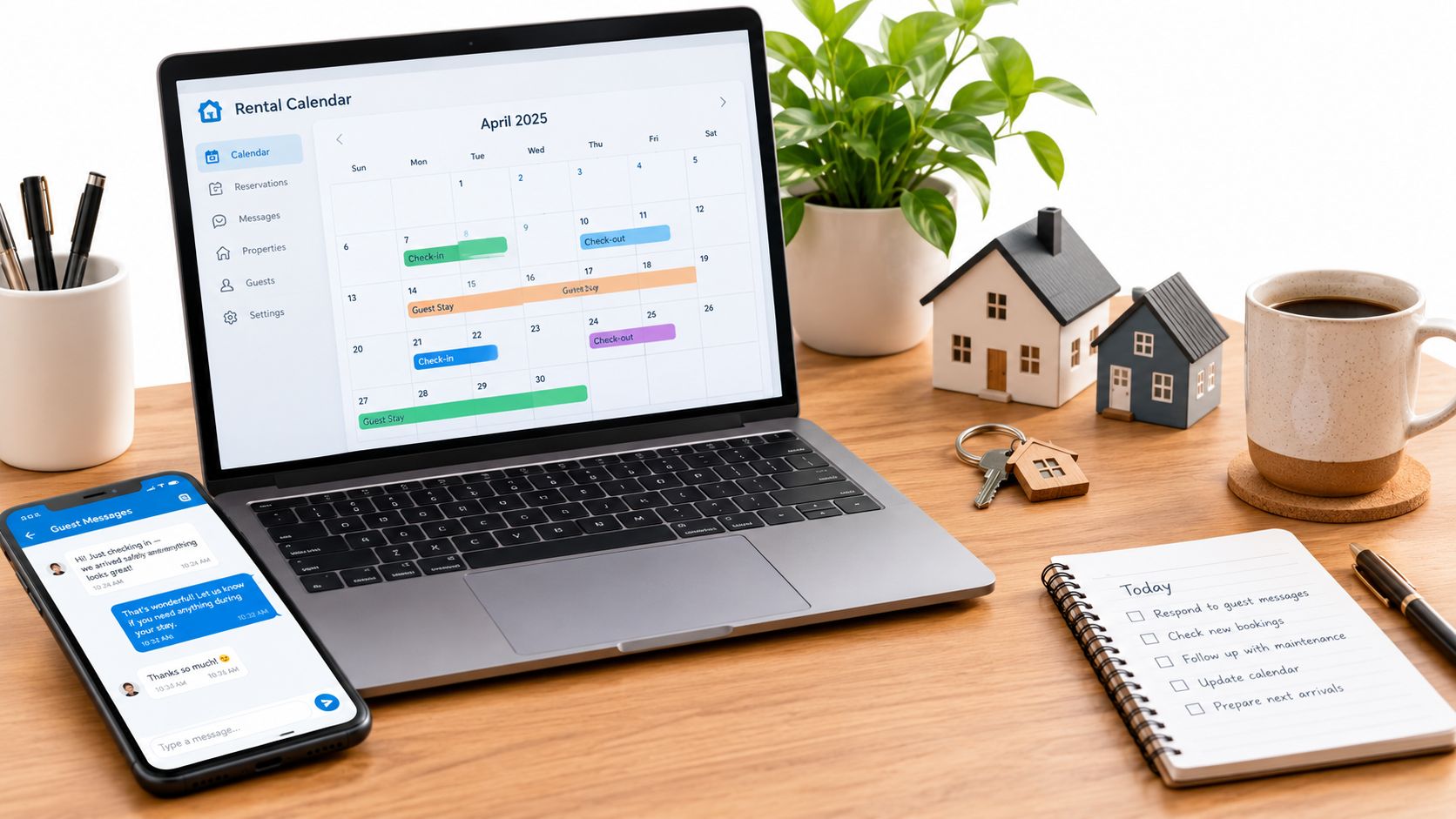
You're managing Airbnb, Vrbo, and Booking.com from the same phone, checking dates across three calendars and watching commission fees reduce every payout. Then a repeat guest asks whether they can book directly next time. You know the opportunity is there, but building a website feels like another job.
A short term rental website can be worth building for a small host, but only if it works as a booking system rather than a digital brochure. The site must attract guests, establish trust quickly, show accurate prices and availability, and make direct reservations easier than sending another message through a marketplace.
Table of Contents
- Why Owners Are Building Their Own Short Term Rental Website
- What a Short Term Rental Website Actually Is
- Must-Have Features Every Direct Booking Site Needs
- Owned Site vs Marketplace Listing
- Designing for the Direct Booking Guest
- Hosted Platforms vs Custom Builds
- Launch Checklist and First 30 Days
Why Owners Are Building Their Own Short Term Rental Website
Marketplace platforms still bring important demand, but they also control visibility, guest communication, and the path to repeat bookings. A ranking change, a new fee structure, or a policy update can affect your reservations without giving you much control over the outcome.
The case for an owned channel is getting stronger. In the European Union, guests booked 952 million nights through online collaborative platforms in 2025, compared with 854 million in 2024, 719 million in 2023, 597 million in 2022, and 364 million in 2021, according to Eurostat's accommodation data. The total in 2025 was more than double the 2021 level, showing how firmly online booking has become part of the vacation-rental market.
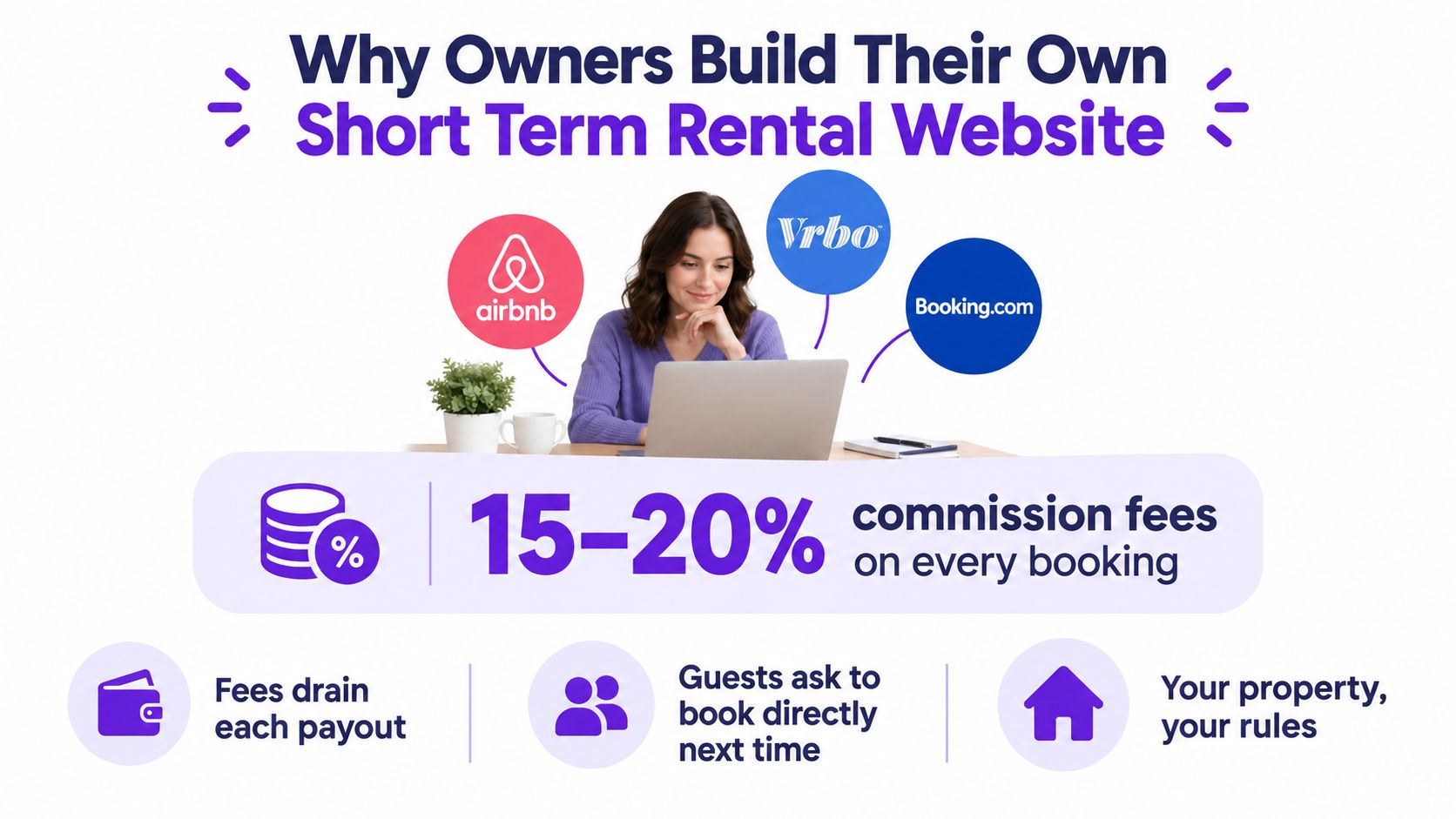
Direct booking isn't a fringe behavior. One 2024 U.S. dataset cited in industry coverage of vacation-rental statistics found that direct booking sites represented nearly 34% of bookings, behind Airbnb at 46%. A separate 2025 U.S. market report projected that OTA and platform bookings would hold 81.4% of the market in 2025, while direct booking websites were expected to grow at an 8.5% CAGR through 2031, as reported in the same source.
Build around the guest you want to keep
The direct guest usually arrives with more intent. They may have found your property through a recommendation, searched for the property by name, or returned after a previous stay. Industry reporting also describes direct bookings as producing 45.2% longer stays and 51.3% longer booking windows than OTA bookings, according to the referenced 2026 market summary.
That changes the job of your website. You don't need to reproduce every marketplace feature. You need a clear property page, honest pricing, reliable availability, strong local information, and a booking path that captures the guest relationship.
The rest comes down to choosing the right feature set and build path. A hosted platform can handle the operational layer, while a custom build gives you more control at the cost of more maintenance. Either way, the site should be designed to convert high-intent visitors, encourage repeat stays, and reduce your dependence on a single marketplace.
What a Short Term Rental Website Actually Is
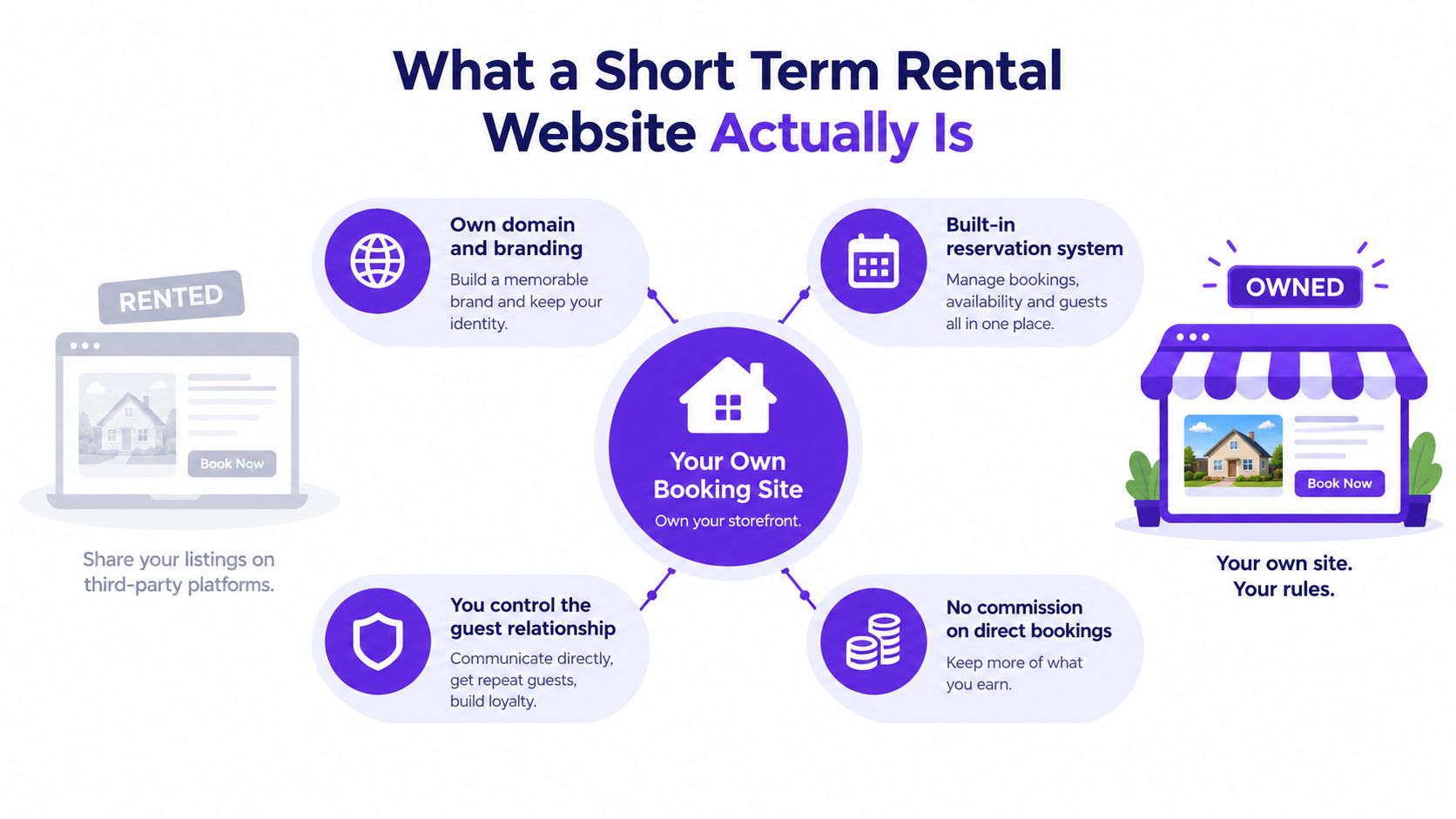
A short term rental website is your own online booking storefront. It has a domain you control, a recognizable brand, property pages, availability, pricing, and a reservation flow that lets guests contact or book with you directly.
A marketplace listing is like renting a table in a food hall. The food hall brings foot traffic, sets many of the rules, owns the customer relationship, and charges for access. Your own site is closer to operating a restaurant. You choose the menu, control the experience, collect customer details appropriately, and pay for the tools required to run the storefront.
The pieces that make it independent
A functional direct-booking site normally includes:
- A unique domain: Guests can remember and revisit a web address associated with your property or business.
- Branded design: Your colors, logo, photography, tone, and local identity replace the standardized marketplace layout.
- Individual property pages: Each apartment or home gets its own photos, amenities, policies, and location details.
- A live availability calendar: Guests can see whether their dates are open before they send a request.
- A booking engine: The site calculates the stay and supports a reservation request or direct payment flow.
- Policy pages: Cancellation terms, house rules, check-in details, and other conditions are visible before the guest commits.
A brochure site may look polished, but it doesn't become a booking channel until it connects availability, pricing, and reservations. An Instagram profile can inspire demand, but it sends guests somewhere else to complete the transaction.
The distinction matters because a direct website has an operational responsibility. If the price is unclear, the calendar is stale, or the booking request disappears into an inbox, the site creates friction instead of removing it. Treat the website as part of your reservation workflow, not as a separate marketing project.
Must-Have Features Every Direct Booking Site Needs
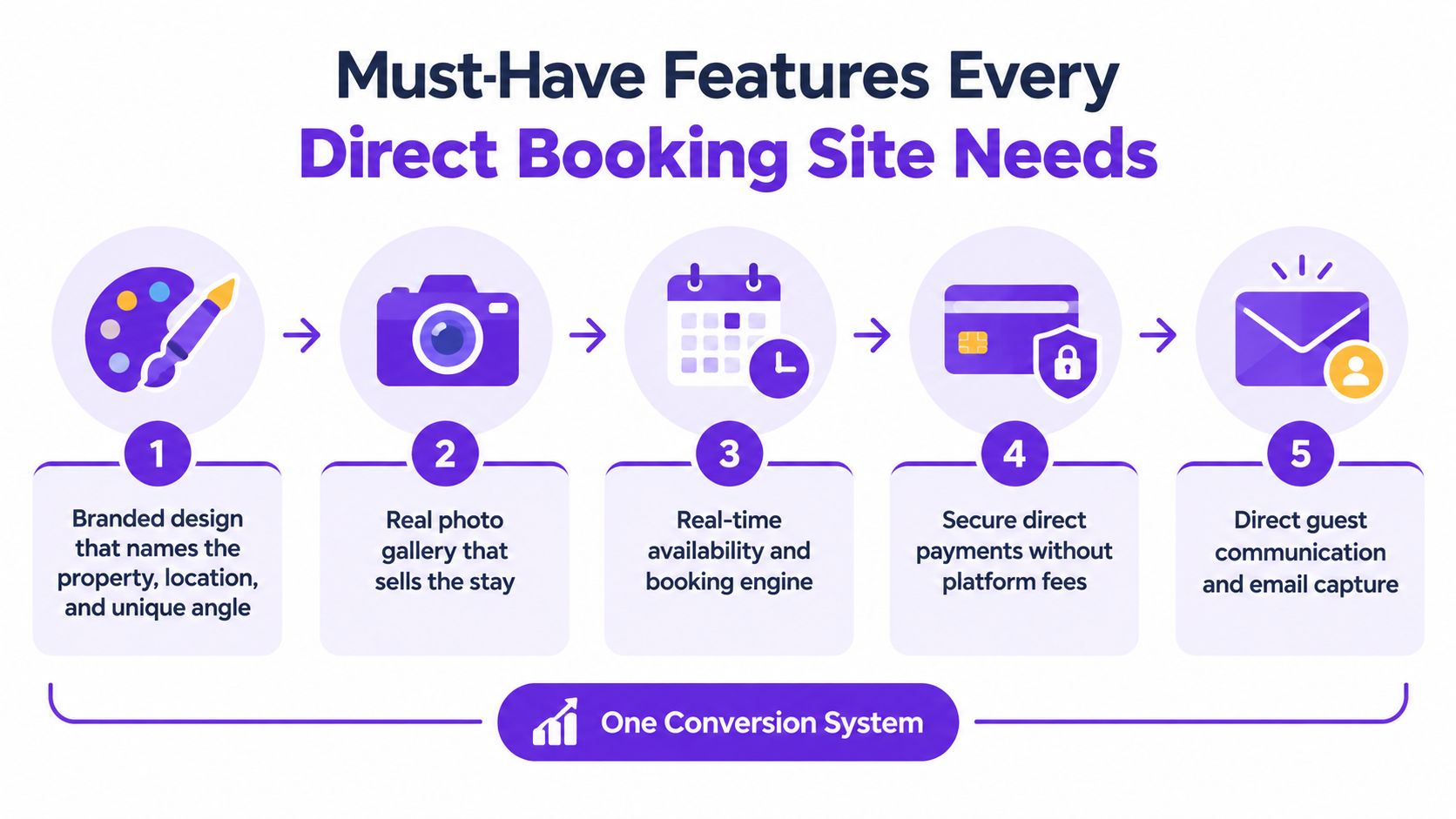
A direct-booking site succeeds when every major page answers the guest's next question. Where is it? What does it look like? Is it available? What will it cost? What happens after I request it?
Start with a property page that sells the stay
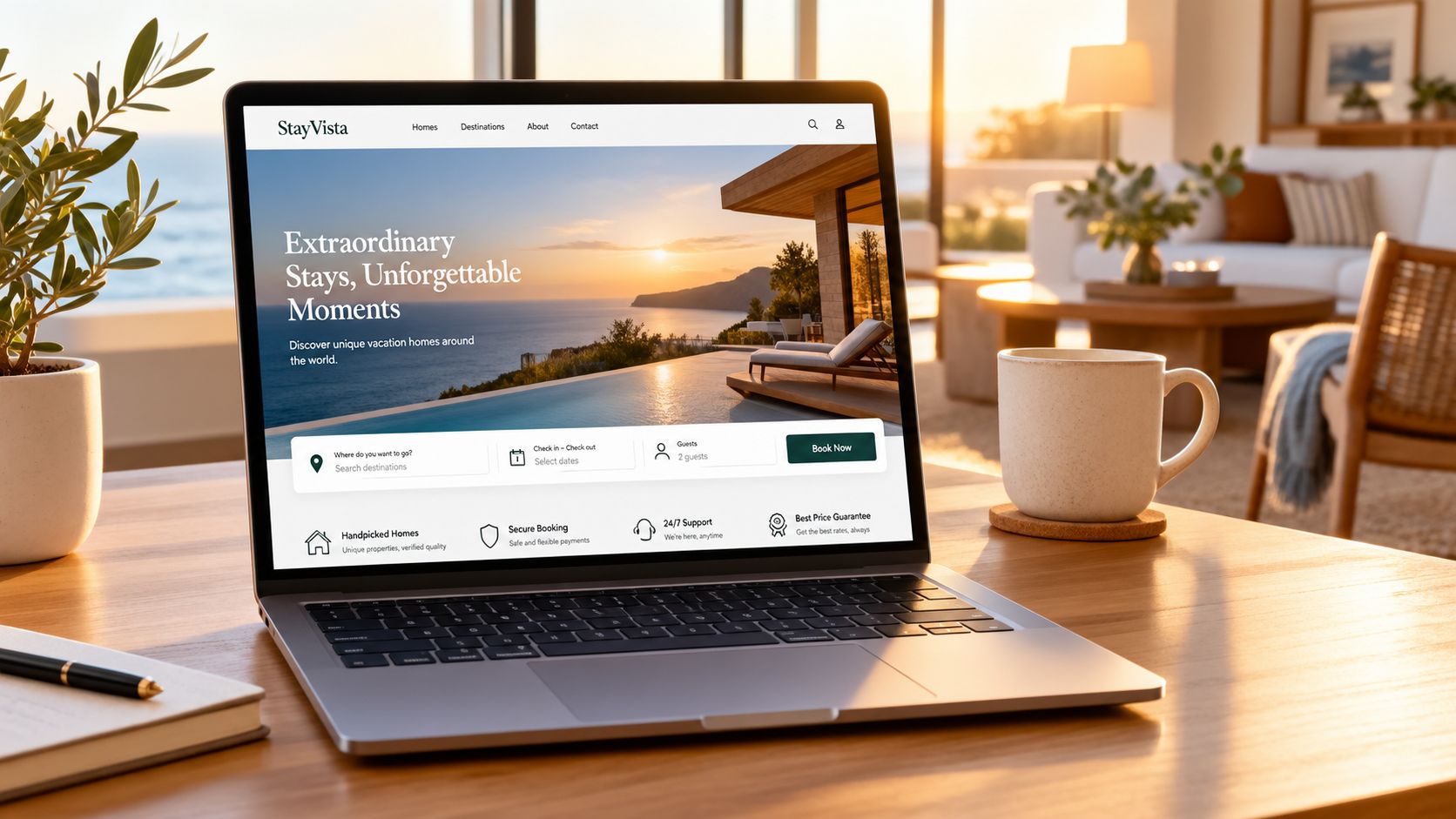
The homepage should identify the property, destination, and strongest reason to choose it within seconds. “Beautiful vacation apartment” says almost nothing. “Family apartment near the old town with a private terrace” gives the visitor a location, audience, and experience immediately.
Use individual property pages for the detail that closes the decision:
- Real photography: Show the exterior, entrance, living spaces, bedrooms, bathrooms, views, workspace, parking, and outdoor areas. Weak or incomplete photos create uncertainty that discounts rarely fix.
- Specific amenities: Explain what “fast Wi-Fi,” “air conditioning,” or “kitchen” means in practical terms. Guests need enough detail to judge whether the property fits their stay.
- House rules: State pet policies, smoking restrictions, noise expectations, check-in requirements, and minimum-stay conditions before the booking request.
- Local guidance: Add nearby attractions, transport information, restaurants, beaches, business districts, or seasonal activities. These pages can also support searches that include neighborhoods and amenities.
Remove uncertainty from booking
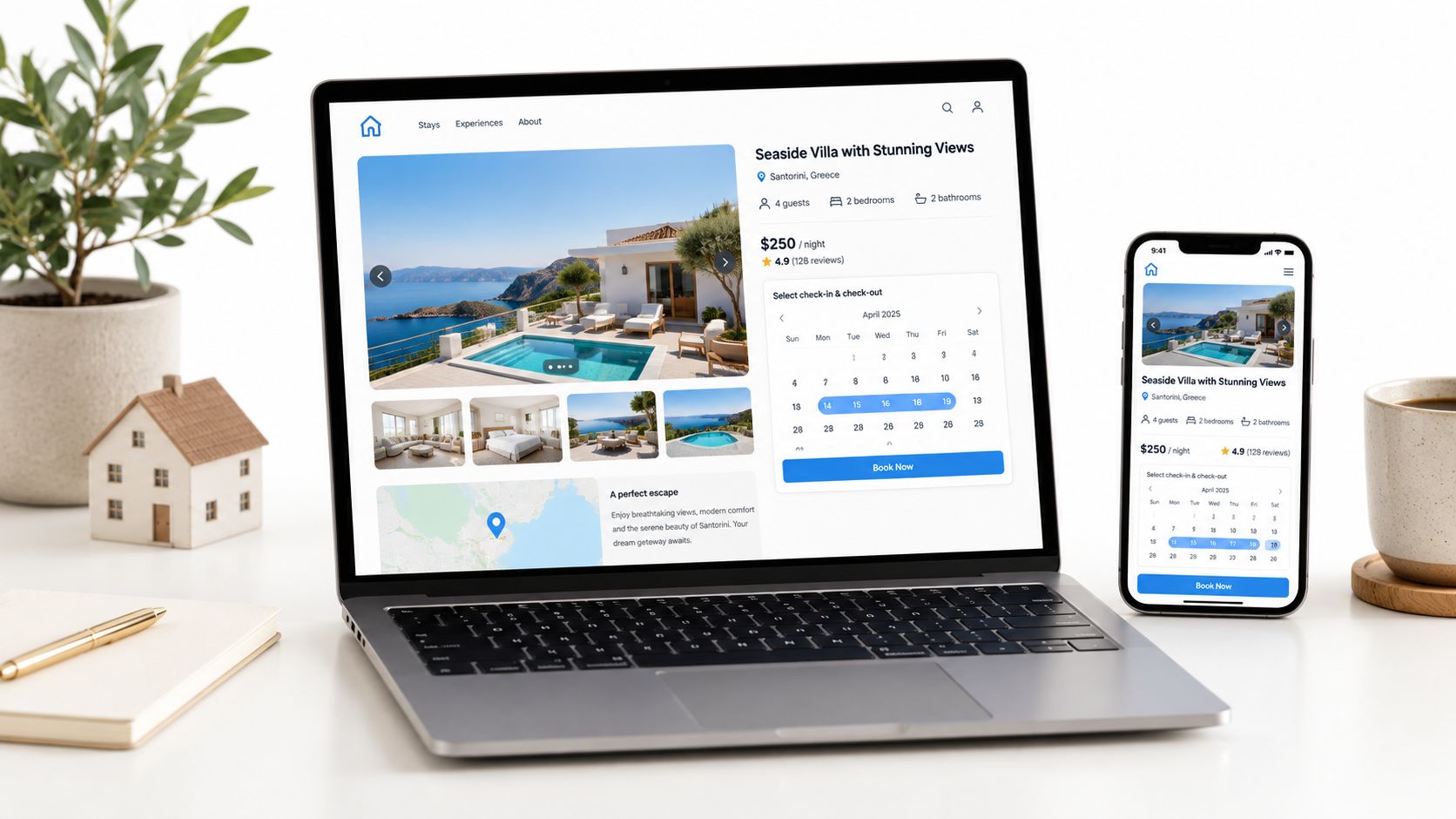
The booking flow should let visitors select dates and guest count, see an automatically calculated total, understand cleaning charges and taxes, and receive a clear confirmation or request acknowledgment. Connect a secure payment processor if you accept direct payment, and make the next step obvious on both desktop and mobile.
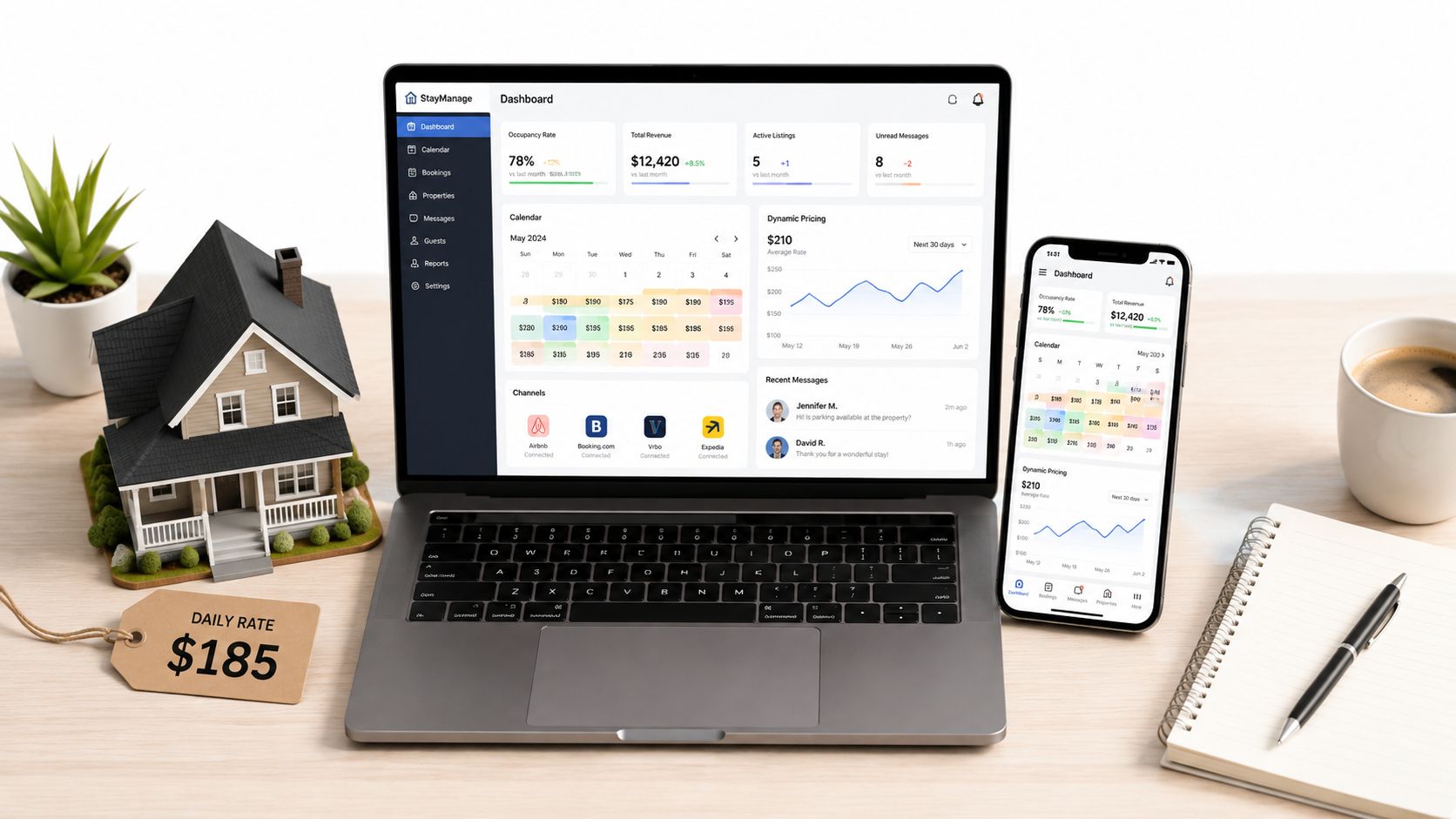
Calendar synchronization is essential when you also use marketplaces. Shared .ics feeds transfer booked or unavailable dates, but they don't transfer prices or messages, and each connected platform refreshes on its own schedule, as explained in this iCal synchronization guide. Two-way synchronization lowers double-booking risk, but it doesn't make updates instantaneous. Confirm availability before accepting overlapping requests.
Add the trust and search layer
A complete site also needs multilingual content where your audience requires it, guest reviews from past stays, structured data, location pages, a contact form with a clear response expectation, and basic analytics. An SEO-friendly blog or destination guide can bring in longer-tail searches, but only if each article helps a real guest plan a trip.
A sitemap, descriptive URLs, useful image alt text, and indexable property pages are practical foundations. Without them, search engines and guests have less context. Without reviews, policies, and a visible contact path, visitors have fewer reasons to trust a host they've never met.
Owned Site vs Marketplace Listing
The choice isn't either-or. Marketplaces can provide discovery, while an owned site gives you a channel for repeat guests, referrals, and searches tied to your property or destination.
The difference shows up in control. A marketplace decides how your listing appears beside competitors and keeps the guest relationship inside its system. Your site lets you decide how the property is presented, which policies apply, how information is collected, and what guests see before they contact you.
| Criteria | Owned Site | Marketplace Listing |
|---|---|---|
| Commission | Direct bookings avoid marketplace commission, although you still pay applicable software, payment, and operating costs. | The platform applies its booking and service-fee structure. |
| Guest relationship | You can build an appropriate direct relationship and invite repeat guests back to your site. | Communication and guest history remain tied largely to the platform. |
| Brand control | You control the domain, photography, copy, navigation, and local positioning. | Your property appears within a standardized marketplace interface. |
| Reviews | You can display reviews collected through your own process, subject to permission and accuracy. | Reviews live within the marketplace's system and policies. |
| Search visibility | Property pages and local guides can target relevant searches. | Marketplace pages benefit from platform discovery but compete within its environment. |
| Policies | You can define minimum stays, check-in rules, deposits, and discounts within your operating and legal limits. | The platform may restrict or structure the available policy options. |
| Operations | You must maintain the site, calendar, pricing, and booking workflow, unless a hosted tool handles them. | The marketplace supplies much of the infrastructure. |
Direct booking is already a substantial channel in the U.S. market, but it doesn't replace marketplaces overnight. The practical move is to use both while deliberately moving repeat and referral demand to the channel you own. This comparison of OTA and direct booking models is useful when you're deciding which reservations should stay on a marketplace and which should move through your own site.
A hosted rental website builder sits between the two options. It preserves your branding and direct relationship while handling calendars, payments, and booking requests that would be expensive or distracting to assemble from scratch. You still need to operate the business, but you don't need to build every technical component yourself.
Designing for the Direct Booking Guest
Many underperforming direct sites don't have a traffic problem. They have a conversion problem. Owners send a guest from a marketplace message, social post, email, or referral to a page that loads slowly, hides the price, uses weak photos, and asks the visitor to send an informal inquiry without showing availability.
Direct guests need a different experience from marketplace browsers. They already have a reason to consider the property, so the site must remove doubt instead of making them search for basic facts.
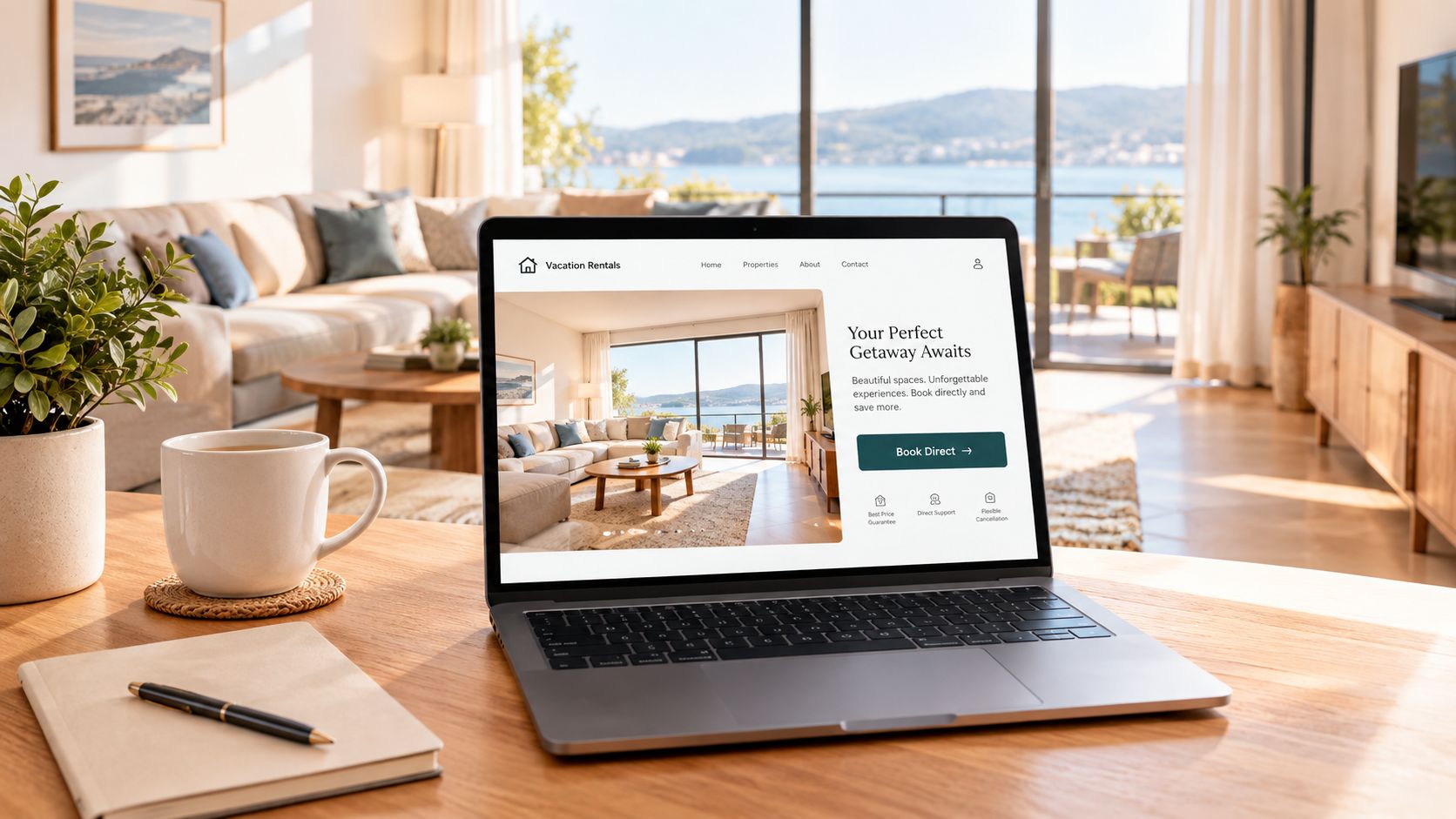
Start with the first screen. Show the property name, destination, strongest feature, a compelling image, and a clear date-search action. Follow that with reviews, a concise owner or hosting story, and practical details that make the stay feel real.
Make trust visible before the request
Show the total price with fees separated clearly. Display house rules near the booking action, not buried in a footer. Explain when the host responds and what the guest receives after submitting a request. A transparent reservation confirmation process reduces the anxiety created by an unclear next step.
Mobile presentation deserves equal attention. Referral guests often open a link on their phone, and a property page that requires pinching, scrolling past oversized banners, or opening several galleries will lose intent quickly. Compress images, keep the booking button visible, and test the complete request flow on a real phone.
Use proof, not decoration
An owner photo and a short, specific welcome message can do more work than another generic design element. Past-guest reviews should mention details future visitors care about, such as cleanliness, location, check-in, beds, workspace, or communication.
Hosted platforms typically provide tested booking components and responsive templates. A custom design can create a more distinctive experience, but it also gives you more ways to hide the price, slow the page, or break the mobile flow. Choose visual originality only when it supports clarity and trust.
Hosted Platforms vs Custom Builds
For most owners with a small portfolio, the choice is between a hosted platform and a custom WordPress or bespoke build. Both can produce a credible short term rental website, but they place the work in different parts of the business.
A hosted platform packages the reservation engine, calendar synchronization, hosting, security, payment connections, guest emails, and core SEO functions. That makes it suitable for owners with one to ten properties who want to launch without hiring a developer or maintaining a collection of plugins.
A custom build gives you deeper control over the design, data model, integrations, and content structure. It also makes you responsible for updates, compatibility, backups, security, testing, and repairs when a plugin or external connection changes.
| Factor | Hosted Platform (e.g. Rentabble) | Custom Build (WordPress or Bespoke) |
|---|---|---|
| Setup | Configure properties, branding, rates, policies, and domain inside an existing system. | Select hosting, design the site, install components, and connect booking functions. |
| Time to launch | Usually faster because the core reservation workflow already exists. | Often slower because design, integrations, and testing happen separately. |
| Monthly cost | Subscription cost covers the hosted service and its operational features. | Hosting, plugins, maintenance, payment tools, and developer support may be separate. |
| Design control | Strong branding control within the platform's templates and settings. | Greater freedom over layout, code, integrations, and custom functionality. |
| Calendar management | Built-in synchronization can connect external channels and centralize availability. | You must select, configure, and maintain the relevant calendar and PMS connections. |
| Maintenance | The provider handles infrastructure, updates, backups, and platform support. | You or your developer own updates, backups, compatibility checks, and troubleshooting. |
| What happens if you leave | You may need to migrate content, settings, domains, and booking data. | You retain more control over the site files, but third-party services can still affect portability. |
The right path depends on your tolerance for technical work. If your priority is accepting direct requests quickly and keeping calendars aligned, a hosted system is usually the sensible starting point. If you have unusual operational requirements, a developer, and a reason to maintain a custom stack, bespoke development may justify the overhead.
This guide to choosing a vacation-rental website builder helps frame the decision around booking needs rather than visual features. A beautiful custom homepage won't compensate for an unreliable calendar or a broken payment flow.
Launch Checklist and First 30 Days
Before promoting the site, test the operational floor. A guest should be able to find a property, select dates, understand the total, submit or complete a booking, and receive the correct follow-up without your intervention.
Pre-launch checks
- Connect the domain: Confirm that the branded address opens the correct site.
- Activate SSL: Check that every page and booking step loads securely.
- Test the full booking flow: Run a realistic reservation from date selection through confirmation.
- Verify calendar sync: Check Airbnb, Vrbo, Booking.com, Google Calendar, and every other connected channel for imported and exported blocks.
- Configure payments: Review refunds, deposits, payment timing, and security-deposit handling.
- Validate taxes: Confirm that displayed charges match your local requirements and operating setup.
- Review emails: Read confirmations and notifications as a guest. Remove vague wording and add practical arrival information.
Use the first month to find the leak
Week one is for content and search foundations. Complete property descriptions, location pages, image alt text, internal links, and your Google Business Profile where eligible.
Week two is for acquisition. Email past guests, publish the direct-booking link on your social profiles, and secure one relevant local partnership or niche directory placement.
Week three is for measurement. Install analytics, inspect where visitors leave the funnel, and fix the largest usability problem first. Pages ranking in Google positions 1 to 3 recorded a 7.90% click-through rate, compared with 1.57% in positions 4 to 10 and 0.51% in positions 11 to 20 across 223 vacation-rental websites, according to vacation-rental search performance data. That makes indexable property pages, descriptive URLs, and sitemap submission practical booking priorities, not technical decoration.
Week four is for optimization. Test pricing presentation, minimum-stay settings, useful upsells, and review collection. Keep the changes controlled so you know which adjustment affected guest behavior.
A direct-booking site isn't a deliverable you launch and forget. It's a system you tune around guest questions, booking friction, calendar accuracy, and the longer planning behavior associated with direct demand.
Rentabble provides a hosted direct-booking website with branded property pages, booking requests, pricing, availability management, and two-way calendar synchronization for vacation-rental owners. Visit Rentabble to see whether its no-code setup fits your properties and your plan to turn repeat and referral demand into direct reservations.